Login and CLI Setup
Authenticating the FlowO CLI lets the Snakemake logger post events to your FlowO server. There are two supported setup paths:
flowo loginfor interactive workstations or login nodes where you can complete a browser/device-login flow.- Manual token config for HPC clusters, CI, batch jobs, and other headless environments.
Tip
If you are evaluating a shared demo deployment, get the URL and any demo credentials from your maintainers or administrator. Do not store sensitive data on shared hosts.
Interactive Setup: flowo login
- Install the PyPI package (see Installation) so the
flowoCLI is available. - Run (replace the host with your deployment):
flowo login --host https://your-flowo-host
Optional: --working-path /path/on/this/machine if that path differs from the value the server would suggest (see below).
- A browser window opens. If no browser is available, the CLI prints a URL that you can open elsewhere. Sign in to FlowO and approve the device.
- On success, the CLI writes
~/.config/flowo/config.toml(Linux/macOS; similar paths on Windows) with0600permissions, includingFLOWO_WORKING_PATHwhen the server returns it in the login response (typical Docker: same path you set in the server.env).
Example session (wording may vary slightly by CLI version; tokens are not echoed):
$ flowo login --host https://your-flowo-host
Opening browser for authentication…
Waiting for you to approve this device in the browser…
Login successful. Configuration saved to ~/.config/flowo/config.toml
The file should look like this (use your real host and paths; keep the token private):
FLOWO_HOST = "https://your-flowo-host"
FLOWO_USER_TOKEN = "<stored-by-flowo-login>"
FLOWO_WORKING_PATH = "/same/host/path/as/the/server/FLOWO_WORKING_PATH"
For flowo login, the server includes FLOWO_WORKING_PATH in the device-login response so the CLI can persist it automatically when you do not pass --working-path. That keeps same-host Docker setups aligned with the Compose mount. Override with --working-path when your Snakemake host sees a different absolute path than the server’s configured value.
Headless Setup: API Token Config
Use this path when the machine that runs Snakemake cannot open a browser, such as HPC compute nodes, locked-down CI runners, or batch jobs.
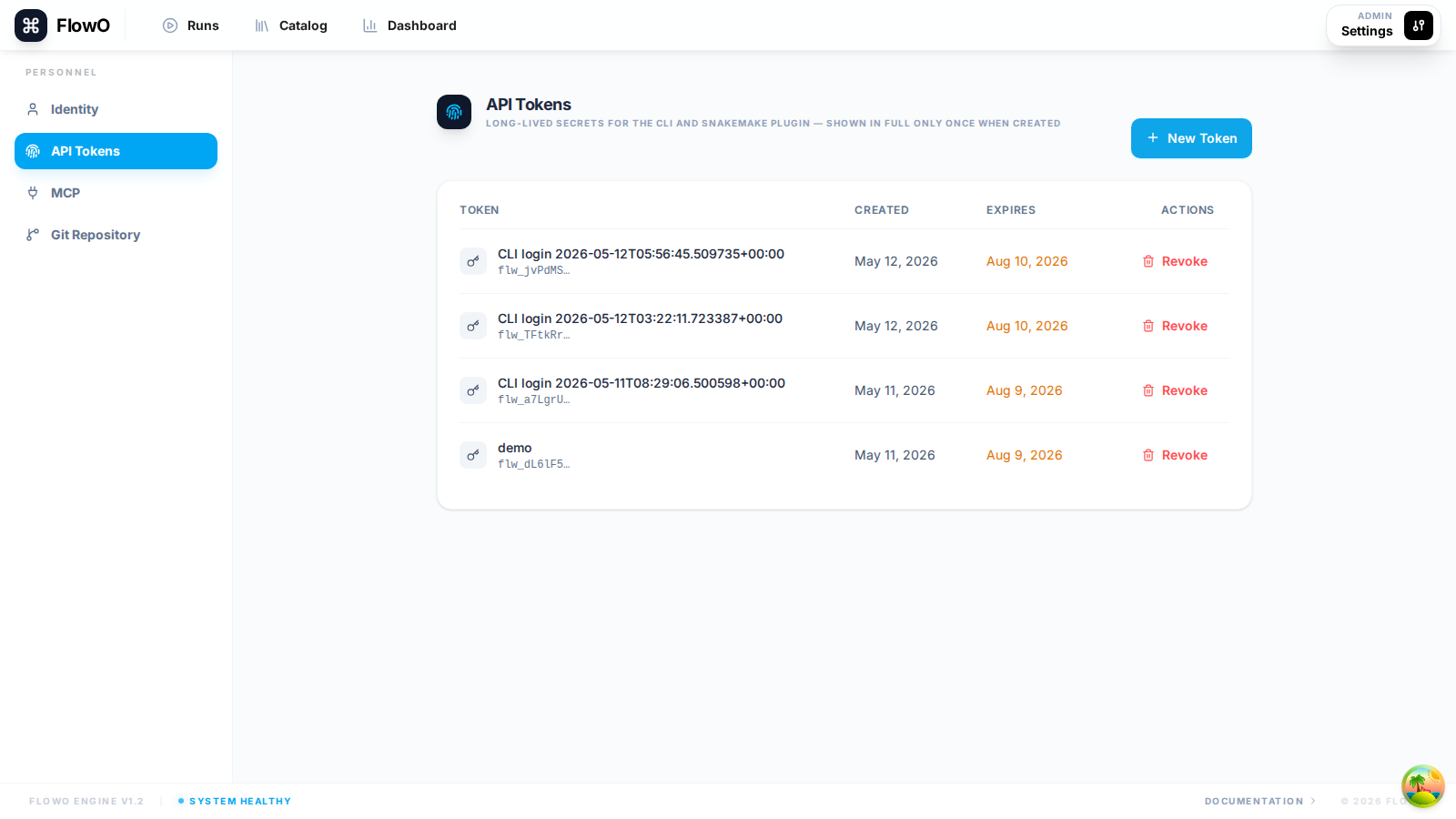
- In the web UI: Settings → API Tokens → create a token with a label and expiry.
- On the machine or user account that runs Snakemake, create the config directory:
mkdir -p ~/.config/flowo
chmod 700 ~/.config/flowo
- Create
~/.config/flowo/config.toml:
FLOWO_HOST = "https://your-flowo-host"
FLOWO_USER_TOKEN = "flw_xxxxxx"
FLOWO_WORKING_PATH = "/path/seen/by/snakemake"
- Restrict the file permissions:
chmod 600 ~/.config/flowo/config.toml
FLOWO_HOST must be reachable from the machine running Snakemake. If FlowO runs on that same machine, http://localhost:3100 is fine. If FlowO runs on another server, use that server IP, hostname, or HTTPS URL.
FLOWO_WORKING_PATH should be the path as seen by the Snakemake execution environment, for example a shared filesystem path such as /publicfs/ucas/user/campoverde.
Note
Treat tokens like passwords. FlowO does not recommend passing tokens as command-line arguments because they can leak through shell history, process listings such as ps, scheduler logs, or CI logs.
HPC / cluster example
A typical cluster setup is:
- Run the FlowO server somewhere reachable, such as
http://flowo-server:3100. - Open the FlowO UI from your workstation browser.
- Create an API token under Settings → API Tokens.
- Write
~/.config/flowo/config.tomlon the login node or shared home used by Snakemake jobs. - Run Snakemake with
--logger flowo. No browser is needed at Snakemake runtime.
Verify connectivity
flowo catalog list
An empty list without an error means authentication and HTTPS reachability are working.