DAG Preview
FlowO provides a best-effort visualization of your workflow's Directed Acyclic Graph (DAG) for both active runs and catalog templates.
Live DAG
For active runs, FlowO renders the DAG from the captured rule graph and live job status. Catalog entries use a best-effort snakemake / snakevision pipeline on the server.
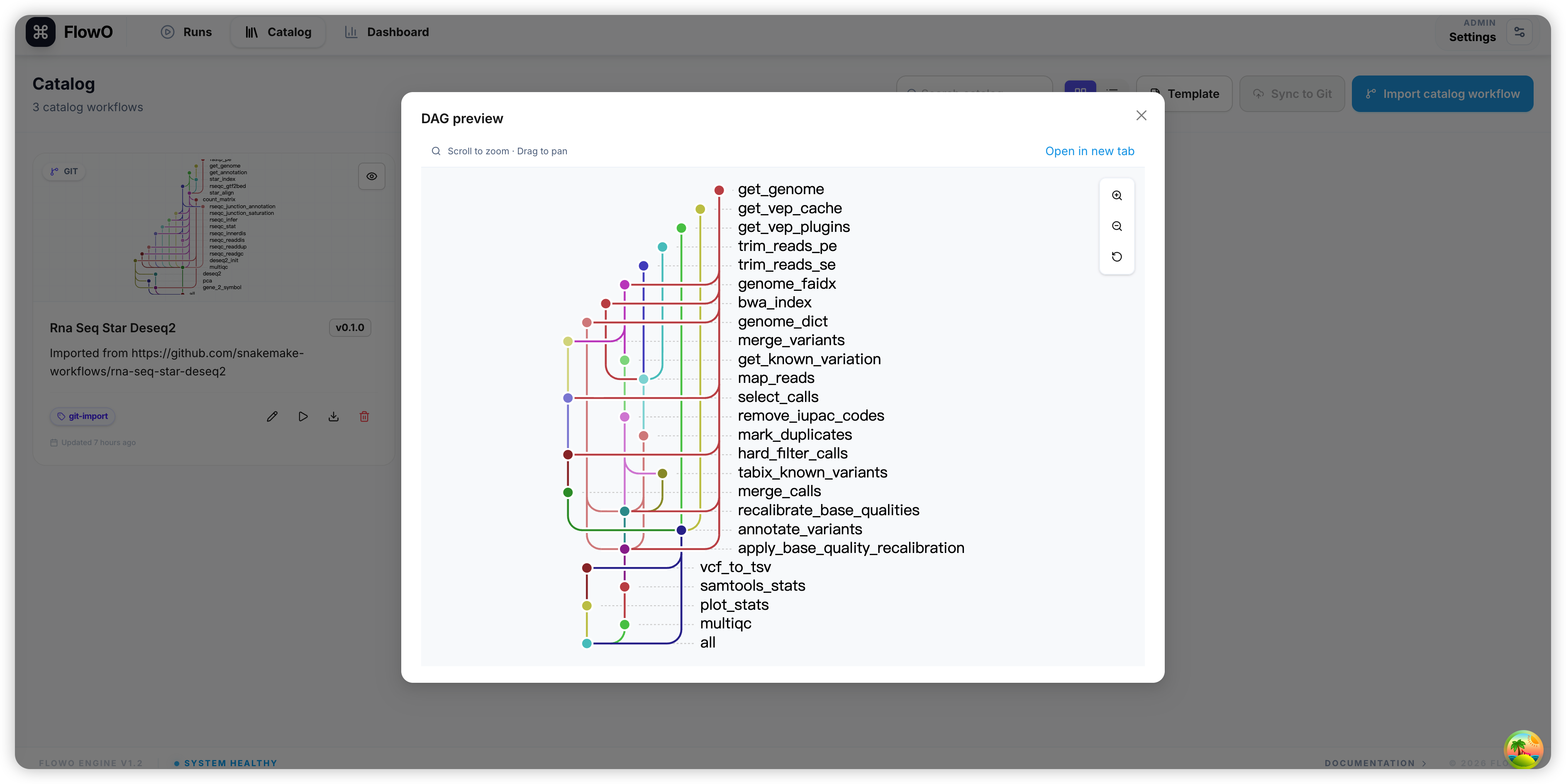
Catalog DAG Preview
For catalog entries, FlowO attempts to pre-generate a DAG preview so you can understand the workflow structure before running it.
How it is Generated
FlowO uses a combination of snakemake --rulegraph and snakevision to generate these previews.
Requirements for Generation
- Local Environment: The FlowO backend must have access to a Python environment where Snakemake is installed.
- Dependencies: Any Python packages imported by the
Snakefilemust be available in that environment. - Valid Config: The workflow must be able to parse its default configuration files.
Python imports in the Snakefile
DAG generation runs inside the FlowO backend process. If your Snakefile or included modules do import pandas, import numpy, or other third-party packages, those packages must be installed in the backend image / venv. Missing modules surface as ModuleNotFoundError in logs—not as “FlowO cannot find the Snakefile.” Mitigations: simplify top-level imports, vendor lightweight stubs, or extend the server environment; alternatively upload a static DAG image in catalog settings.
Troubleshooting Missing Previews
If a DAG preview fails to generate:
1. Check Logs: Look for error messages in the backend logs or the "Admin" section of FlowO.
2. Missing Imports: The most common cause is a ModuleNotFoundError because the backend environment lacks a specific dependency.
3. Manual Upload: You can always upload a static image (SVG, PNG) to the catalog entry to serve as the DAG preview if automatic generation is not possible.