Jobs, logs, and errors
FlowO is built around job-level observability: every Snakemake job row is tied to status, wildcards, commands, and—when failures occur—structured error payloads and log paths.
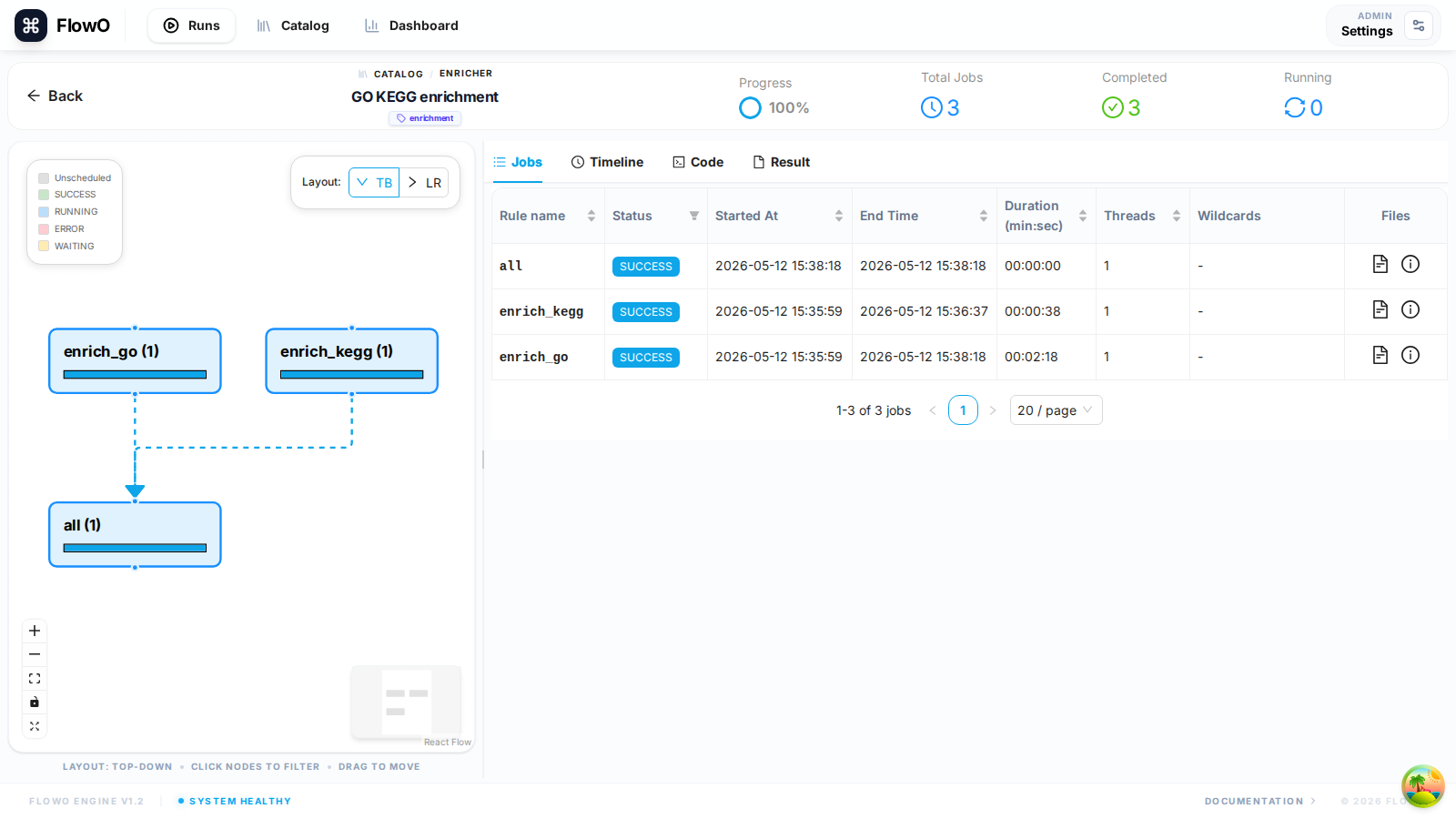
Jobs table (run detail → Jobs)
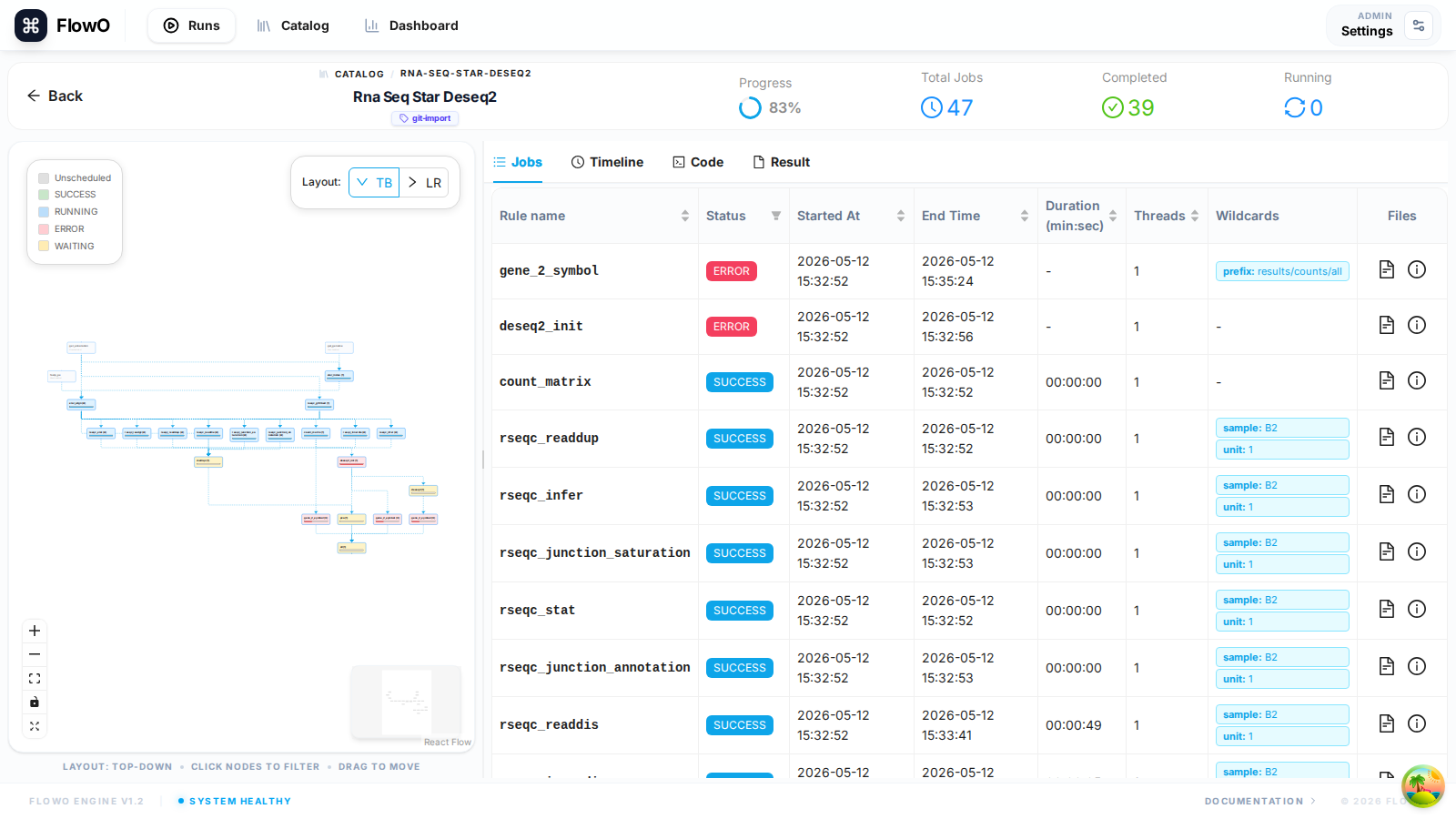
Open a run at /runs/{id}, select the Jobs tab, and sort or scroll by rule and status. Columns typically include rule name, status, runtime, and wildcard key material so you can spot mis-parameterized rules quickly.
From a failed job to the root cause
- Status —
FAILEDjobs surface in the table and in dashboard aggregates. - Error summary — Open the job row or the workflow-level error list; FlowO stores Snakemake’s error message and traceback when provided by the logger.
- Shell command — Inspect the resolved command (wildcards expanded) to compare with what you intended to run.
- Logs — Open the job log path captured at runtime, or use workflow-level log modals from the Runs list when enabled.
Common statuses
| Status | Meaning |
|---|---|
| Queued / pending | Waiting on dependencies or scheduler. |
| Running | Currently executing. |
| Success / completed | Finished without Snakemake error. |
| Failed | Snakemake reported job_error or non-zero exit where captured. |
| Cancelled | Run stopped before the job finished. |
Exact strings may match your Snakemake version and normalisation in FlowO; use the UI labels as the source of truth.
Troubleshooting tips
- Wildcards — Wrong expansion is a frequent source of “file not found” or empty inputs; compare table wildcards with
Snakefileplaceholders. - Repeated rule failures — Use the Dashboard “rule errors” style summaries to see hotspots across runs.
- “Command not found” — Verify conda/env modules on the execution host; FlowO shows what was reported, not your interactive shell
PATH.